Best Map Apps for Traveling in Korea: Naver Map, KakaoMap & Google Maps
Last updated: September 2026
If you normally rely on Google Maps when you travel, Korea can feel a little different at first.
Local map apps such as Naver Map and KakaoMap are deeply integrated into everyday life in Korea and can be especially useful for public transportation, restaurants, cafés, local businesses, and places outside the main tourist areas.
If this is your first trip to Korea, I recommend downloading at least one Korean map app before you arrive. Here is a simple guide to Naver Map, KakaoMap, and Google Maps — and when each one is most useful.
Quick Answer: Which Map App Should You Use in Korea?
GOOD TO KNOW
For most travelers, I recommend starting with Naver Map.
It offers detailed local place information and route guidance for different types of transportation. KakaoMap is a useful second option, while Google Maps can still be helpful as a familiar backup — especially as its Korea services continue to develop.
My setup: Naver Map as my main map + Google Maps as a backup.
1. Naver Map — My First Choice for Most Travelers
Naver Map is one of the most useful apps to have when traveling around Korea.
You can learn more about its features on the official NAVER Map page.
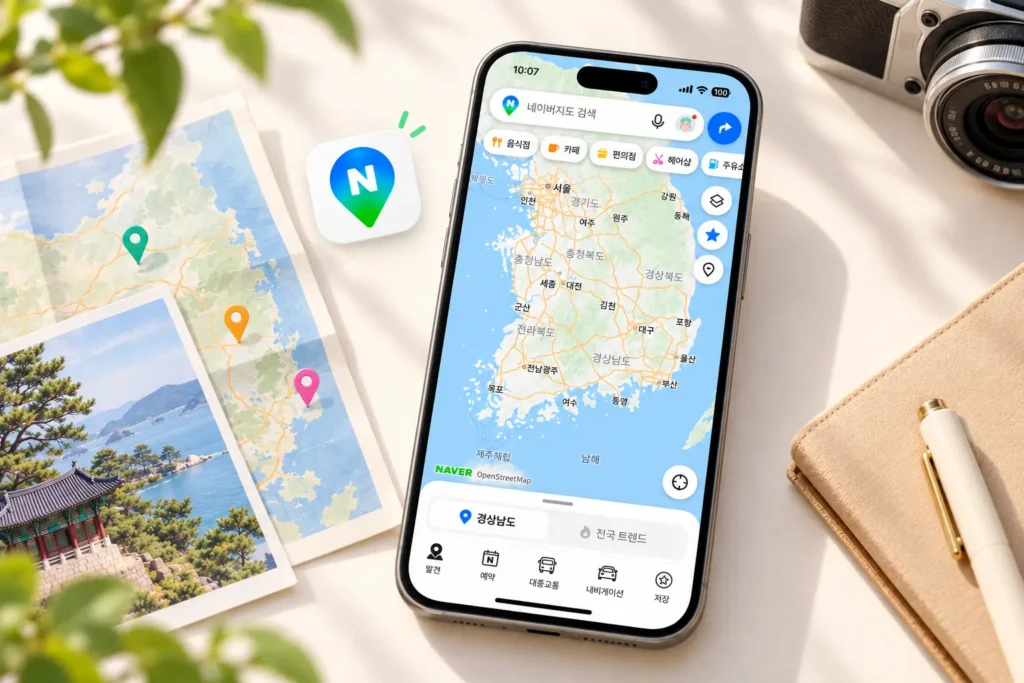
You can use it to search for destinations, compare routes, check public transportation, and discover restaurants, cafés, attractions, and other places nearby.
Why Naver Map Is Useful
- Walking and public transportation directions
- Bus and subway information
- Local restaurants, cafés, shops, and attractions
- Place reviews and photos
- Saved places and travel planning
- Increasing support for international travelers
What International Travelers Should Know
Naver Map supports English as well as several other languages, although some individual place names, menus, reviews, or smaller businesses may still appear partly in Korean.
If you cannot find a place using its English name, try copying the Korean name or Korean address into the search bar.
Korea Byways Tip
When I share a place on this blog, I’ll try to include its Korean name when useful. Copying the Korean name into Naver Map is often the easiest way to find a smaller café, restaurant, or local attraction.
2. KakaoMap — A Useful Alternative
KakaoMap is another major Korean map service and a useful alternative to Naver Map.
You can also explore its features on the official KakaoMap page.
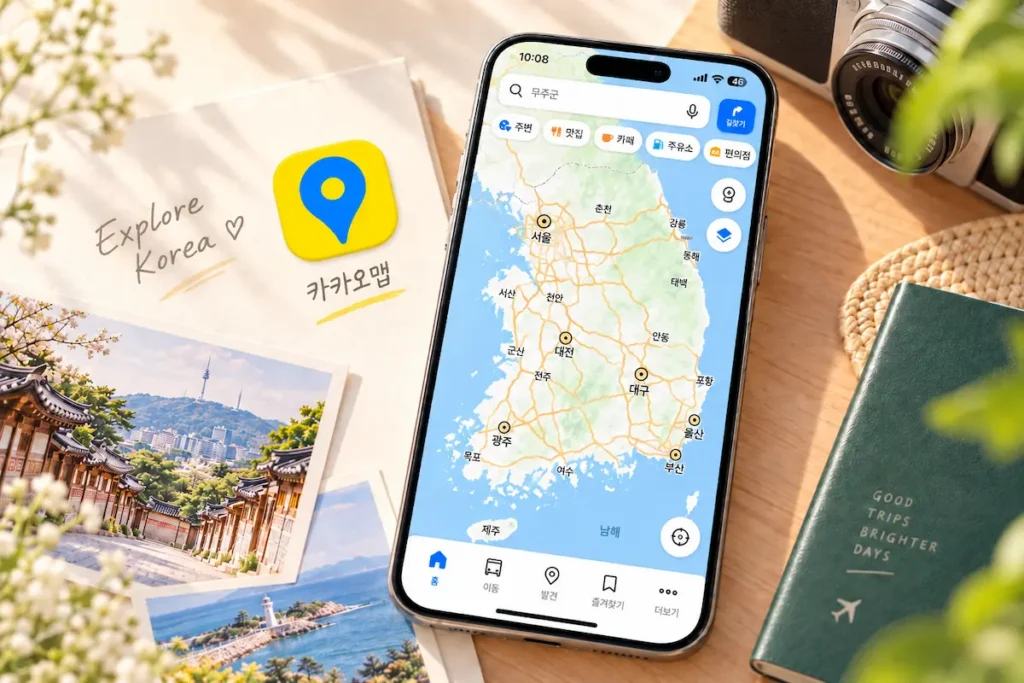
It provides routes for public transportation, driving, walking, and cycling, along with information about nearby restaurants and places to visit.
Where KakaoMap Works Well
KakaoMap can be especially useful if you want a second opinion on a route or cannot find a place easily in another app.
It also provides detailed bus-stop, transit, and local-place information, so some travelers may simply prefer its interface.
When I Would Use It
You do not necessarily need both Naver Map and KakaoMap for every trip. For a first visit, I would start with Naver Map and download KakaoMap if you want another local navigation option.
3. What About Google Maps in Korea?
Google Maps is still useful in Korea for saving places, checking general locations, and using an interface that may already be familiar to you.
However, Korea’s mapping environment has historically been different from many other countries, and local apps such as Naver Map have generally provided more complete local navigation and place information.
In February 2026, the Korean government conditionally approved the export of map data to Google, according to an official announcement from Korea’s Ministry of Land, Infrastructure and Transport. As of September 2026, full walking and driving navigation has not yet rolled out in Korea, so I would not rely on Google Maps alone for a trip to Korea.
For now, I would keep Google Maps as a backup rather than your only navigation app.
Naver Map vs KakaoMap vs Google Maps
Feature | Naver Map | KakaoMap | Google Maps |
Best for | Overall Korea travel | Local navigation alternative | Familiar backup |
Public transit | Very useful | Very useful | Useful, but local apps may be more complete |
Local places | Excellent | Excellent | Useful, but less complete |
English support | Yes | Yes, but some content may remain in Korea | Yes |
My recommendation | Main app | Backup local app | Secondary app |
Tips for Searching Korean Places
Sometimes a restaurant, café, guesthouse, or small attraction is easier to find using its Korean name rather than its English spelling.
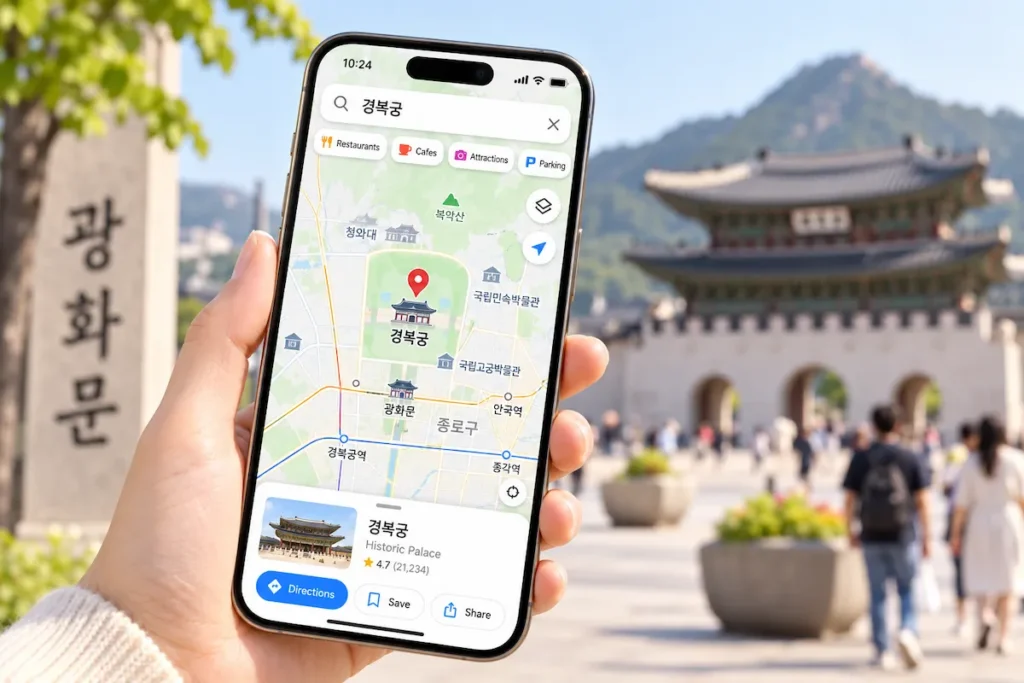
If a search does not work:
1. Copy the Korean name from the business website or social media page.
2. Try the Korean street address.
3. Search for a nearby landmark or subway station.
4. Save the place before you start your trip.
Korean place names can be romanized in more than one way, so an English spelling may not always match the name stored in a local map app.
What I Recommend Downloading Before Your Trip
If you want to keep things simple, download Naver Map before arriving in Korea and spend a few minutes getting familiar with the search and route buttons.
Keep Google Maps on your phone if you already use it, and add KakaoMap if you want another local option.
Most travelers do not need three map apps open all day. The important thing is to have at least one Korean map app ready before you need it.
Final Thoughts
For a first trip, I would start with Naver Map, keep Google Maps as a familiar backup, and add KakaoMap if you want another local navigation option.
Once you have navigation sorted out, the next useful thing to prepare is a transportation card.
Share this guide
NEXT GUIDE
TRAVEL ESSENTIALS